I wanted to pull data from a Google Sheet using curl and my existing gcloud credentials. Should be simple, right?
The naive approach (doesn’t work) Link to heading
gcloud auth application-default login \
  --scopes=https://www.googleapis.com/auth/spreadsheets,https://www.googleapis.com/auth/cloud-platform

curl "https://sheets.googleapis.com/v4/spreadsheets/YOUR_SPREADSHEET_ID" \
  -H "Authorization: Bearer $(gcloud auth application-default print-access-token)"
This gets you the dreaded “app is blocked” screen:
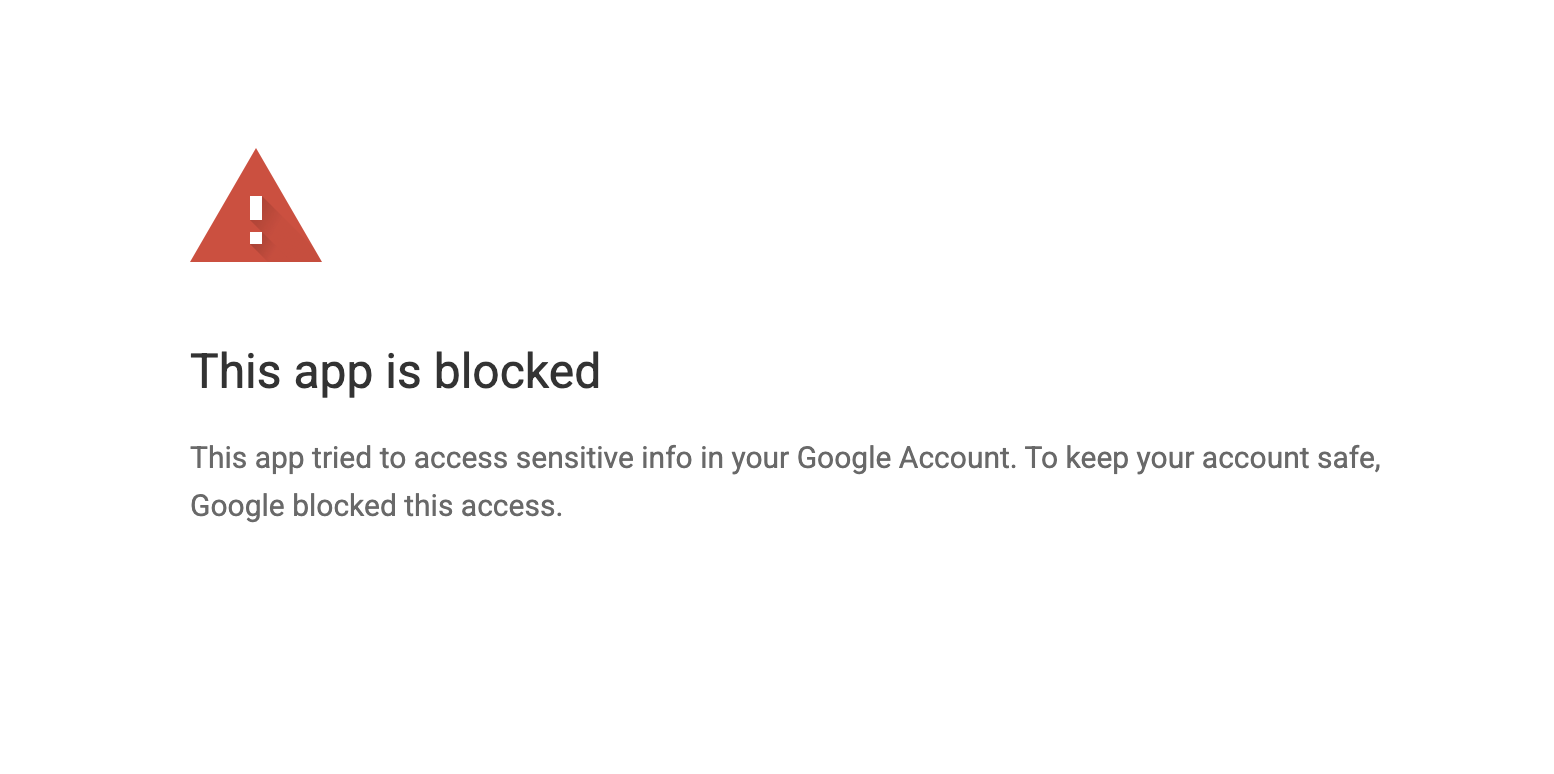
The problem is that Google Workspace APIs (Sheets, Drive, etc.) are “sensitive scopes” and the default gcloud OAuth client isn’t verified to use them.
The fix: use your own OAuth client Link to heading
- Go to GCP Console > APIs & Services > Credentials
- Create OAuth client ID → Desktop app
- Download the JSON file
- Move it somewhere sensible:
mkdir -p ~/.config/gcloud/oauth-clients
mv ~/Downloads/client_secret_*.json ~/.config/gcloud/oauth-clients/workspace-oauth.json
- Login with your custom client:
gcloud auth application-default login \
  --client-id-file="$HOME/.config/gcloud/oauth-clients/workspace-oauth.json" \
  --scopes=https://www.googleapis.com/auth/spreadsheets,https://www.googleapis.com/auth/cloud-platform,https://www.googleapis.com/auth/userinfo.email
Now the Sheets API works:
curl "https://sheets.googleapis.com/v4/spreadsheets/YOUR_SPREADSHEET_ID/values/Sheet1!A1:D10" \
  -H "Authorization: Bearer $(gcloud auth application-default print-access-token)"
Gotcha: some endpoints return 500 Link to heading
I hit a weird bug where the metadata endpoint returned 500:
# This returns 500 Internal Error
curl "https://sheets.googleapis.com/v4/spreadsheets/YOUR_SPREADSHEET_ID"

# But this works fine
curl "https://sheets.googleapis.com/v4/spreadsheets/YOUR_SPREADSHEET_ID?fields=sheets.properties"

# And so does reading values
curl "https://sheets.googleapis.com/v4/spreadsheets/YOUR_SPREADSHEET_ID/values/Sheet1!A1:D10"
No idea why. Use ?fields= or /values if you hit this.
Bonus: Apps Script with Secret Manager Link to heading
If you’re writing an Apps Script that fetches data from external APIs, you might want to store credentials in GCP Secret Manager rather than Script Properties.
I wrote a script that pulls Twilio usage data into a spreadsheet, fetching the API credentials from Secret Manager: twilio-usage-appscript
The key bits for Secret Manager access from Apps Script:
- Link your script to a GCP project (Project Settings → Change project)
- Add OAuth scopes to
appsscript.json:
{
  "oauthScopes": [
    "https://www.googleapis.com/auth/spreadsheets.currentonly",
    "https://www.googleapis.com/auth/cloud-platform",
    "https://www.googleapis.com/auth/script.external_request"
  ]
}
- Fetch secrets using the REST API:
function getSecret(projectId, secretName) {
  const url = `https://secretmanager.googleapis.com/v1/projects/${projectId}/secrets/${secretName}/versions/latest:access`;
  const response = UrlFetchApp.fetch(url, {
    headers: { 'Authorization': 'Bearer ' + ScriptApp.getOAuthToken() }
  });
  const data = JSON.parse(response.getContentText());
  return Utilities.newBlob(Utilities.base64Decode(data.payload.data)).getDataAsString();
}