TL;DR — I switched from an Apple Watch to a Garmin and wanted to bring my workout history with me. Apple’s data export turned out to be surprisingly lossy — heart rate gets aggregated into 15-minute chunks. I ended up building an iOS app to read HealthKit directly, a Python converter to produce FIT files, and an upload script to push everything to Garmin Connect. 255 workouts, full-resolution heart rate, running dynamics, GPS — all transferred.
Why I needed this Link to heading
I’d been using an Apple Watch for a few years but recently sold it to CeX (a second-hand electronics shop in the UK) and picked up a Garmin Fenix 7 Pro — replaced the daily charging schedule with one charge a fortnight. I wanted my workout history in Garmin Connect, but Apple Health locks your data in its own ecosystem. You can export it, but what you get isn’t quite what you’d expect.
There are paid apps that do this conversion. It felt like something a script should handle.
The XML export Link to heading
Apple Health lets you export everything as a ZIP containing export.xml (workout metadata and metric records) and a workout-routes/ folder with GPX files for GPS data. My first converter parsed these into TCX files and it worked — workouts showed up in Garmin Connect with GPS maps, distance, pace.
Then I looked at the heart rate graph.
The heart rate problem Link to heading
Every data point showed the same value. My converter was using the workout’s average HR because I hadn’t found the per-record data yet. After digging into the XML, I found HKQuantityTypeIdentifierHeartRate records with individual timestamps — 358,000 of them across all workouts. I parsed these into a sorted index and used binary search to match them to GPS trackpoints.
Better, but the HR graph on Garmin Connect still looked sparse compared to what Strava showed for the same run. I compared the data: a 65-minute run had just 23 HR records in export.xml. Strava — which syncs from HealthKit directly — showed 513 data points for the same workout.
The issue is that Apple stores high-resolution HR data internally as HKQuantitySeriesSample, but the “Export All Health Data” feature flattens these into aggregated records spanning roughly 15-minute windows. The per-second data is there on the phone, accessible via HKQuantitySeriesSampleQuery — but only through the HealthKit API, which requires an app running on the iPhone.
This is a known limitation that affects anyone trying to export workout HR data from Apple Health.
Building the iOS app Link to heading
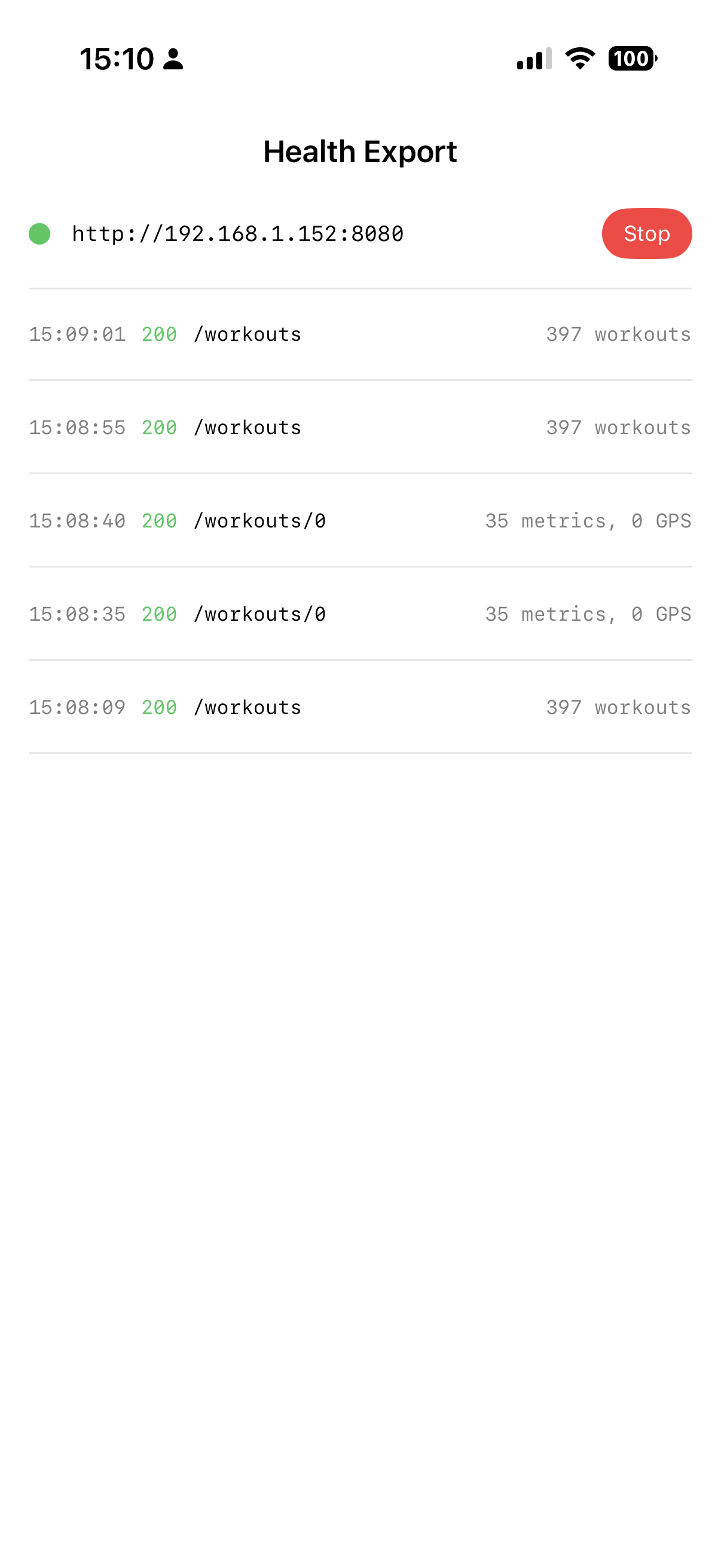
I’d never written an iOS app before, but the HealthKit API was the only way to get the data. I built a small SwiftUI app that reads HealthKit directly and serves the full-resolution data as JSON over HTTP. It runs on the iPhone and exposes two endpoints on the local network (your phone and Mac need to be on the same Wi-Fi):
# List all workouts
curl http://<iphone-ip>:8080/workouts

# All metrics + GPS for a specific workout
curl http://<iphone-ip>:8080/workouts/42
The app uses HKQuantitySeriesSampleQuery for per-second metrics (heart rate, running power, speed, stride length, vertical oscillation, ground contact time) and HKWorkoutRouteQuery for GPS trackpoints. Everything Strava gets, but over a local HTTP server.
You sideload it via Xcode with a free Apple Developer account. The certificate expires after 7 days, but that’s fine for a one-off data dump. One gotcha: the phone screen must stay on while fetching — HealthKit data is encrypted at rest, so the queries fail when the screen locks. I set isIdleTimerDisabled = true in the app to handle this.
I was surprised to find that HealthKit isn’t available on macOS. The framework exists on macOS 26, but isHealthDataAvailable() returns false. So the iOS app was the only option.
Converting to FIT Link to heading
My first converter produced TCX files, but TCX can’t represent running dynamics. FIT is an open binary format used by Garmin, Wahoo, Coros, and most fitness platforms — and it can carry everything HealthKit provides:
| Data | FIT | TCX |
|---|---|---|
| GPS coordinates | ✓ | ✓ |
| Heart rate | ✓ | ✓ |
| Distance, calories | ✓ | ✓ |
| Running power | ✓ | ✗ |
| Stride length | ✓ | ✗ |
| Vertical oscillation | ✓ | ✗ |
| Ground contact time | ✓ | ✗ |
My first FIT converter emitted each data source as its own record — GPS records had position, HR records had heart rate, power records had watts, all sorted by time. This preserved the highest resolution with no interpolation. The files looked correct when I inspected them locally.
Then I uploaded one to Garmin Connect and the HR graph showed a handful of isolated spikes. After some digging, I found that Garmin Connect ignores heart rate values on records that don’t also have GPS data. With separate records, HR and GPS never landed on the same one — Garmin saw the values but didn’t render them.
The fix was to merge everything onto shared timestamps. For each unique second across all data sources, I emit one record with GPS (if available) and linearly interpolated values for all metrics. Binary search finds the two nearest known points and fills the gap:
def interpolate(stream, ts_key):
    if not stream:
        return None
    idx = bisect_left(timestamps, ts_key)
    if idx < len(stream) and stream[idx][0] == ts_key:
        return stream[idx][1]
    if idx == 0:
        return stream[0][1]
    if idx >= len(stream):
        return stream[-1][1]
    t0, v0 = stream[idx - 1]
    t1, v1 = stream[idx]
    frac = (ts_key - t0) / (t1 - t0)
    return v0 + (v1 - v0) * frac
After this change, 3,977 out of 3,977 records had HR data, and Garmin Connect rendered a smooth curve.
The fit-tool Python library has a few traps worth mentioning: it applies semicircle conversion for GPS coordinates internally, so passing pre-converted values causes integer overflow. It also applies its own scale factor to elapsed time — pass raw seconds, not seconds * 1000. And HealthKit uses different units for some metrics (cm for vertical oscillation, metres for stride length) while FIT expects mm for both.
Uploading to Garmin Connect Link to heading
I used the garminconnect Python package to upload programmatically. Before uploading the new files, I downloaded everything Garmin already had in the date range to check the data quality. Every existing activity had the same HR value stamped on every trackpoint — the flat average from my original TCX upload. I deleted all 56 and replaced them with the HealthKit versions.
The upload script handles duplicates (409 responses), rate limiting, and MFA. It took about two minutes to push all 255 files:
uv run login-garmin          # interactive MFA, saves tokens
uv run upload-to-garmin fit_files   # batch upload
The result Link to heading
For a 65-minute run, here’s how the data compares:
| XML export | HealthKit | |
|---|---|---|
| HR data points | 23 | 513 |
| Unique HR values | 20 | 83 |
| Total records | 4,053 | 9,490 |
All 255 Apple Watch workouts are now in Garmin Connect with full-resolution heart rate, GPS, running power, stride length, vertical oscillation, and ground contact time.
The full pipeline Link to heading
The whole thing runs as four commands:
uv run fetch-healthkit 192.168.1.x    # pull from phone
uv run convert-to-fit apple_health_export  # produce FIT files
uv run login-garmin                    # authenticate (first time)
uv run upload-to-garmin fit_files      # push to Garmin